
Notifications
Stay on top of what matters — Plate notifies you inside the app and by email when something needs your attention.
In-app notifications
Every time something relevant happens, a notification appears in your Inbox. Open it from the bell icon in the left sidebar.
You receive an in-app notification when:
- A task is assigned to you
- Someone comments on a task you created or are assigned to
- Someone @mentions you in a comment
- A task you're watching changes its status
Notifications are marked as read when you open the task. You can also mark them all as read at once from the Inbox.
Email notifications
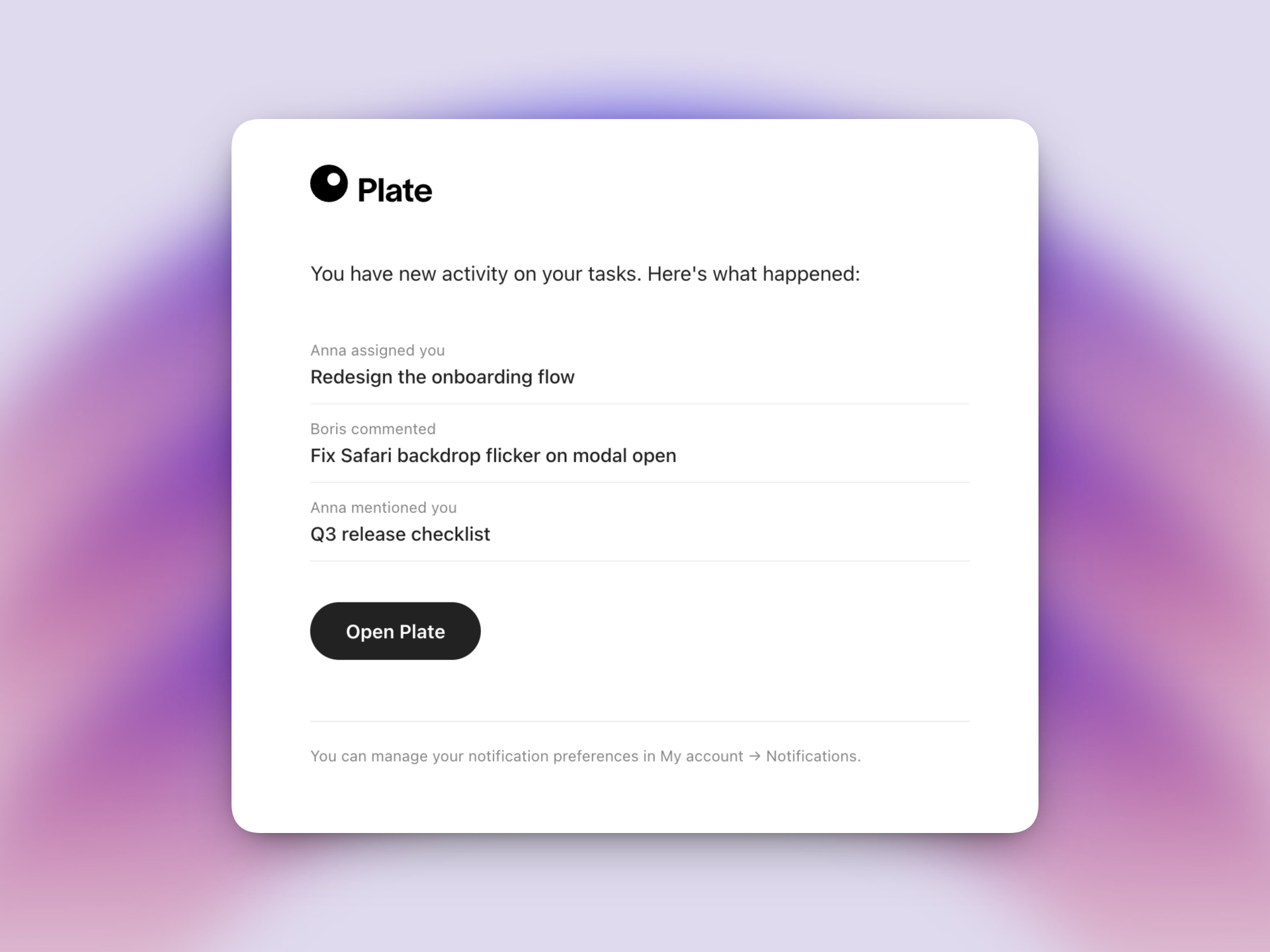
Plate can also send you email summaries for activity you haven't seen yet — so you never miss an important update even when you're away from the app.
What triggers an email
You receive an email for the following events, as long as you haven't already seen the notification in the app:
- Assignments — a task is assigned to you
- Comments & replies — someone comments on a task you're participating in
- Mentions — someone @mentions you in a comment
Status changes do not trigger emails — they're lower-priority updates that work well as in-app notifications only.
When emails are sent
Plate waits a few minutes before sending an email. This allows time for you to open the app and read the notification yourself, in which case no email is sent at all.
If multiple notifications arrive while you're away, they're grouped into a single email so you don't get flooded.
Managing your preferences
Go to My account → Notifications to control what you receive. You can:
- Turn email notifications on or off entirely
- Choose which event types trigger an email (assignments, comments, mentions)
Frequently asked questions
I'm not receiving emails. What should I check?
First, confirm that email notifications are enabled in My account → Notifications. If they're on, check your spam folder — emails come from noreply@plate.to. Allow a few minutes after the activity happens before expecting an email.
Why didn't I get an email for a notification I saw in the app?
That's working as intended. Plate skips the email if you've already read the notification in the app. The goal is to reach you when you're away, not to double up on alerts you've already handled.
Can I turn off emails for just one type of notification?
Yes. In My account → Notifications, you can individually toggle assignments, comments, and mentions while keeping the others enabled.
Can I unsubscribe from a single email?
Not from a single thread — the settings are global per notification type. Use the Notifications panel in your account to adjust preferences.
Questions? Write to us at hello@plate.to